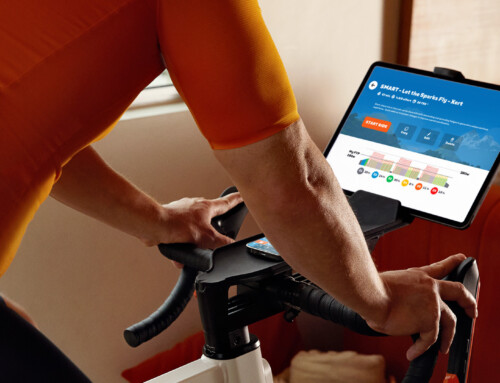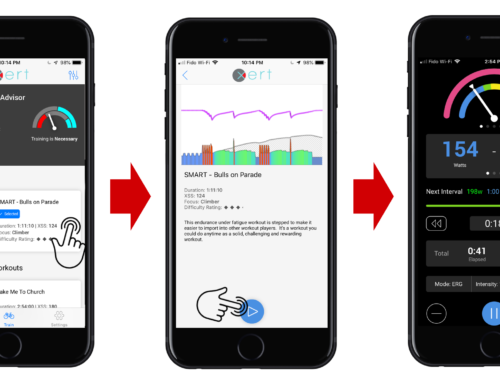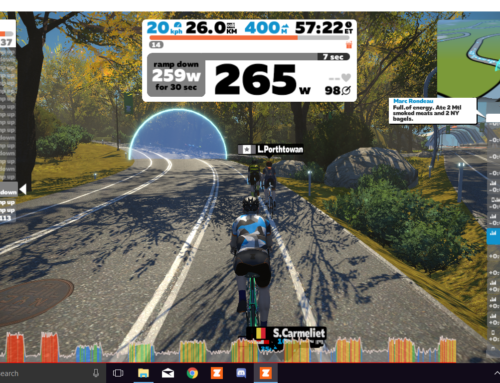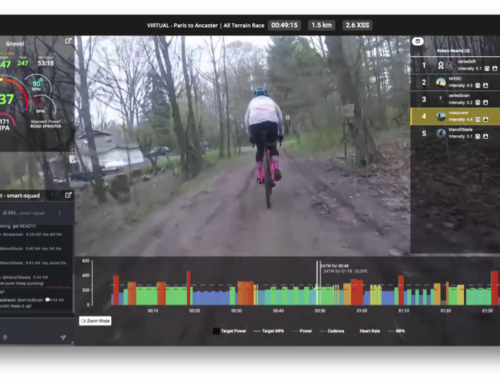
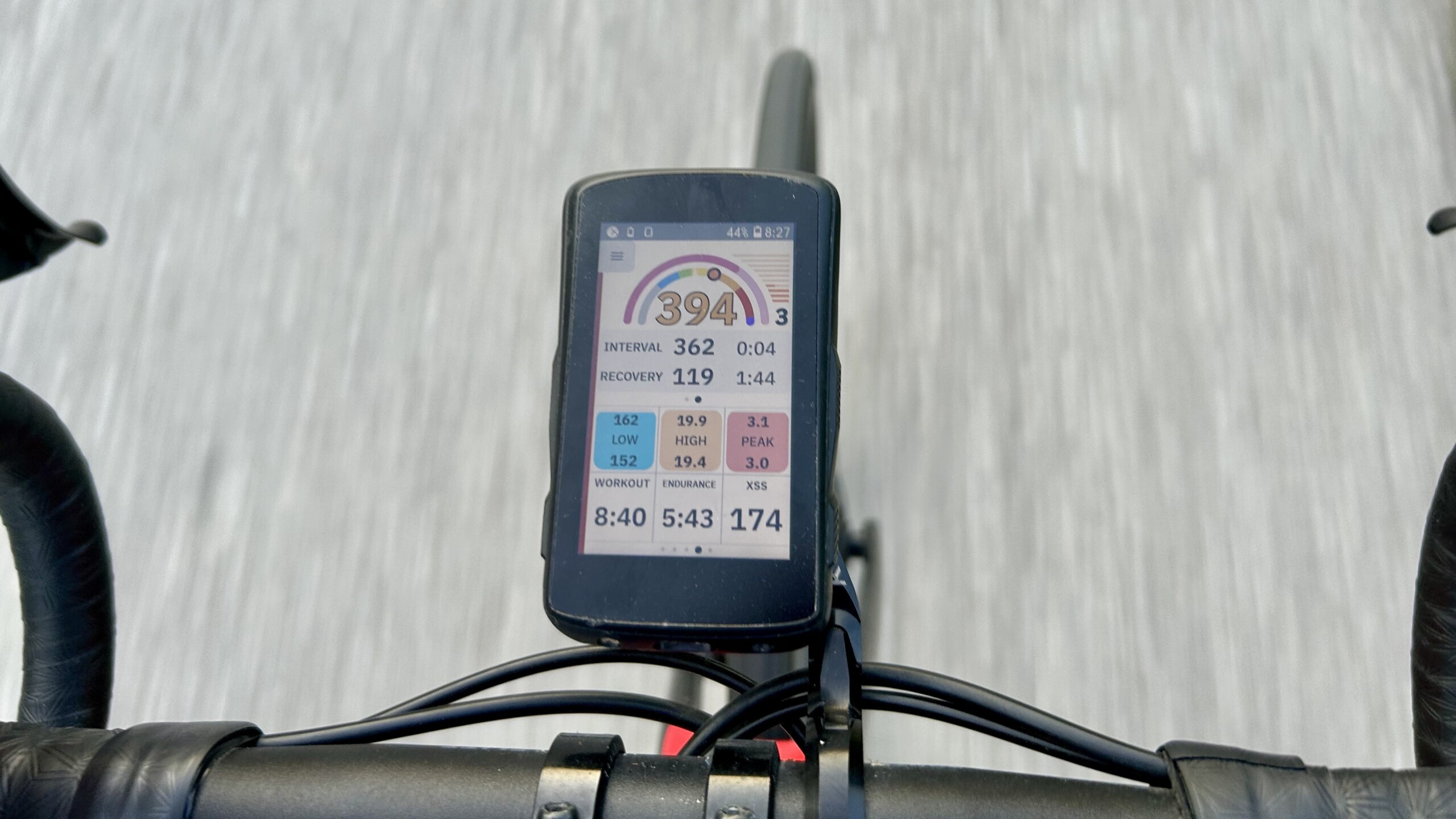
The latest integration between Xert and Hammerhead brings adaptive, goal-based training directly to your Hammerhead Karoo device. Whether you’re riding indoors or out — structured or unstructured — Xert’s real-time feedback and Magic Buckets now work seamlessly within the Karoo ecosystem!
Key Features of the Integration
- Xert EBC App via Karoo Extensions
- In-Ride Adaptive Feedback: View real-time metrics like MPA, XSS, Focus, and more using the Xert EBC app.
- Magic Buckets Support: Watch your effort accumulate in real time toward your Low, High, and Peak XSS targets.
- Native Karoo Integration: Start rides from the Karoo as usual — just tap the MPA or XSS field mid-ride to launch Xert EBC.
- Seamless Karoo Sensor Integration – no need to configure sensors in Xert EBC
- Integrated Light and Dark Mode Support
- Automatic Activity Sync from Karoo to Xert
- Post-Ride Syncing: All recorded rides on your Karoo will automatically upload to Xert once linked.
- Training Load & Progress Tracking: Rides update your fitness signature, training status, and personalized training recommendations.
Installation Video
Step-by-Step Installation Instructions
-
-
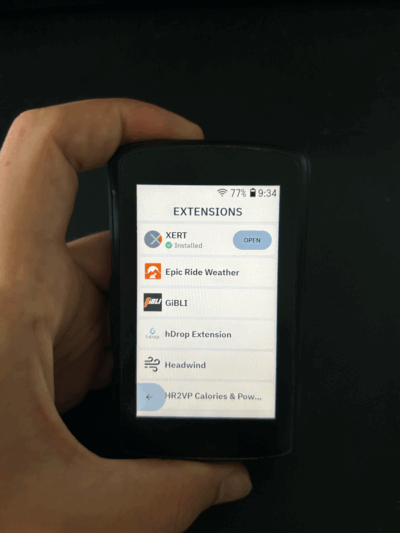
Open the Extensions menu on your Karoo device.
-
Find “Xert EBC” and tap Install.
*** If you’ve previously installed the Xert app, uninstall the old version first, then perform a fresh install to ensure compatibility. ***
-
Once installed, launch the app and sign in using your Xert username and password.
-
When prompted, accept all permissions to ensure full functionality.
-
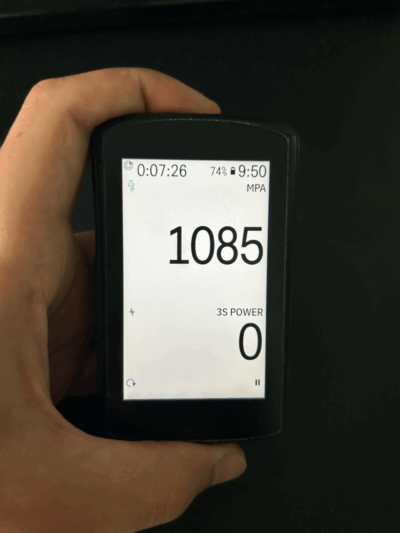
Edit your Karoo ride profile and add MPA (Maximum Power Available) or XSS (Xert Strain Score) as a data field to enable quick access mid-ride.
-
Using EBC During Your Ride
-
- Start Your Ride Normally
- Begin your ride from your Karoo profile screen — no need to launch the app directly.
- Tap MPA or XSS to Launch EBC
- During your ride, tap the MPA or XSS field to open the Xert EBC app.
- Start Your Ride Normally
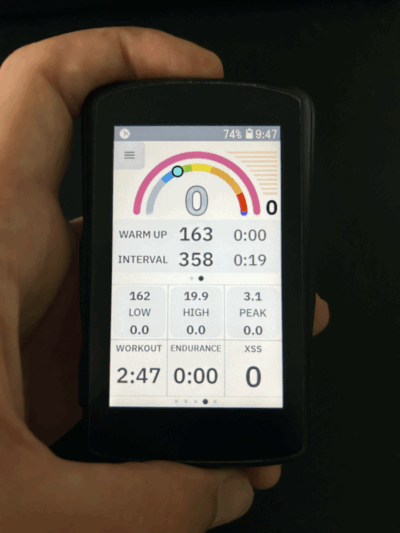
Explore EBC Features
- Swipe through the EBC screens to view:
- Magic Buckets – Interval Power, Recovery Power, Challenge Level Gauge, etc.
- Performance Metrics – TTE/TTR, Relative Power, etc.
- Focus, Difficulty Score, & more
- Tap indivdual fields to get more detailed information
- Use the Menu on the top left to access the complete app
- Access your Profile Information – Review your current Training Status, Fitness Signature, Period Stats and Activities
- Choose a Workout – Access Xert’s Workout Library to choose a workout. Smart workouts are supported!
- Update Settings – Customize your experience by adjusting data cells.
- Enable Wifi – Aceess even more features:
- Pull-down refresh on the Home page to update your Fitness Signature, Magic Buckets targets or Training Status
- See real-time wind direction in the EBC wind cell
- Get weather data
- Share real-time ride data with other EBC users
- Use the Remote Player during a workout
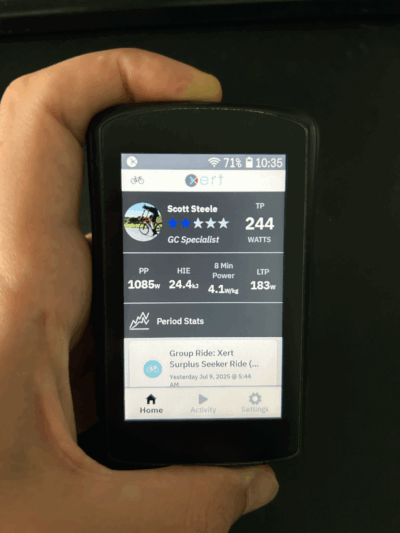
To return to your activity recording display after using the menu within EBC, navigate to the Activity tab and tap Continue.
Return to Karoo Profile Screen
-
-
- Swipe up or press the back button to return to your standard Karoo recording display
-
💡 Note: Unlike older versions, there's no need to pair sensors or record rides inside the Xert app. All rides should be recorded using Karoo's native recording. Xert EBC will automatically configure and re-use your Karoo sensors.
Sync Hammerhead Rides to Xert
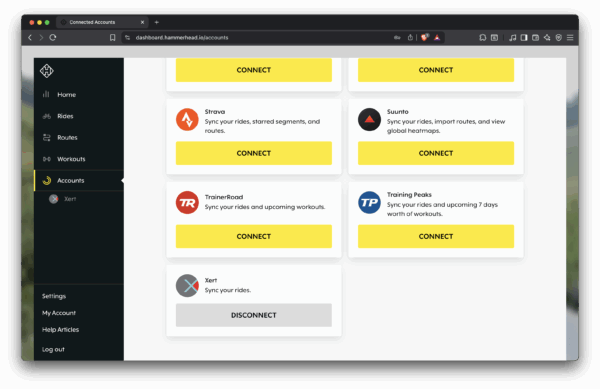
- Link Your Xert and Hammerhead Accounts
- Log in to the Hammerhead Dashboard.
- Go to Accounts, find Xert and click Connect.
- Follow the prompts to sign into Xert and accept the permissions.
- Automatic Ride Sync
- Once connected, rides recorded on your Karoo will automatically upload to Xert. Activities will appear in your Xert Activities Feed and impact your Training Status.
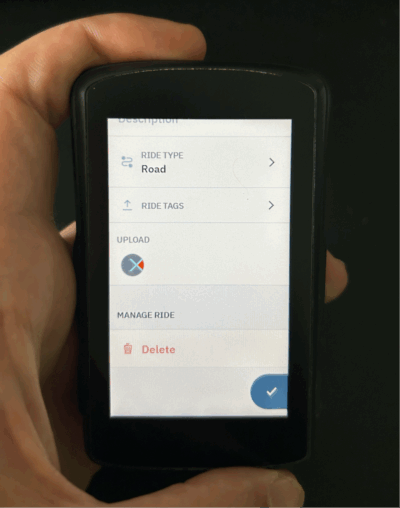
⚠️ Tip: If you want Xert’s training summary included in your Strava uploads, disable Hammerhead → Strava syncing and let Xert handle the sync instead. See this FAQ for details.
Troubleshooting Common Issues
- MPA / XSS showing “No Sensor” or not Updating?
- Restart your Karoo device, in particular if you have updated EBC. You can conveniently do this even while a recording is in-progress without losing your activity
- EBC App Not Launching?
- Ensure MPA is correctly added to your profile.
- Check for updates in the extensions menu.
- Ride Not Syncing to Xert?
- Confirm your Xert account is properly linked in the Hammerhead Dashboard under Connected Accounts.
- Xert prevents duplicates — syncing can occur from either Hammerhead or Strava, not both.
- Data Fields Not Appearing?
- Remove and re-add the MPA data field.
- Reinstall the EBC app from Extensions for a fresh setup.
Conclusion
The Xert EBC app on Hammerhead Karoo offers a smarter, simpler way to train. With automatic syncing, real-time training guidance, and the power of Magic Buckets, you can execute and adapt your training with confidence.
Still have questions? Send our support team a note — we’re happy to help.